
What is the Kede app? The income and expense tracker, explained
A plain guide to the Kede app: the income and expense tracker that also plans your payments, helps you save and answers questions about your own money.
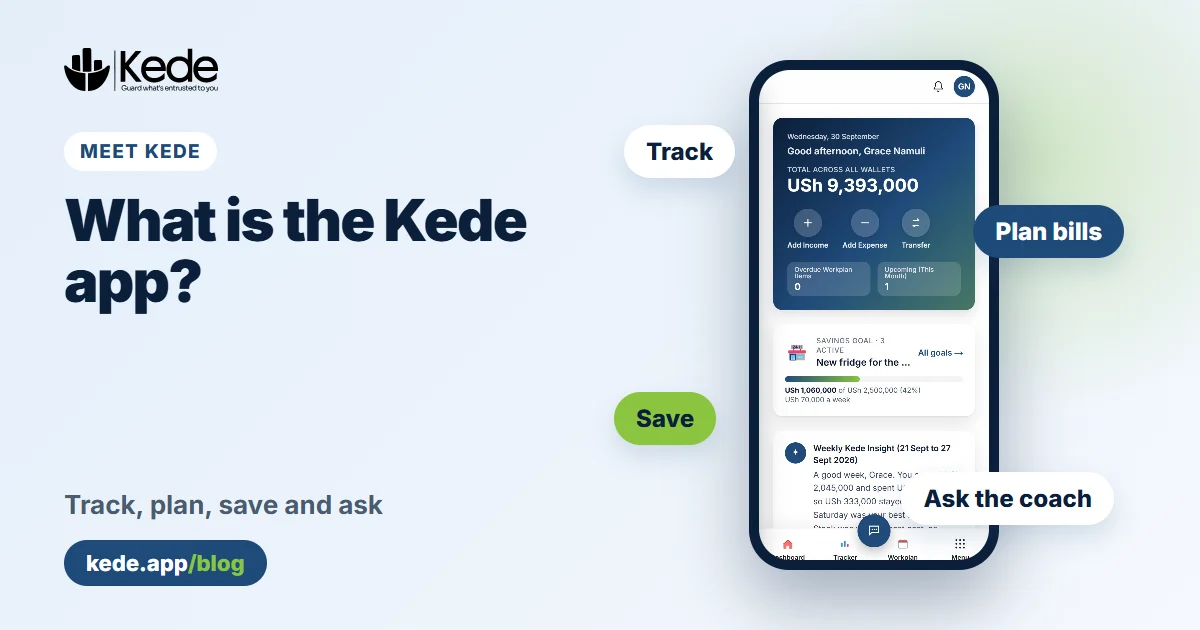
The Kede app is an income and expense tracker that also plans your payments, helps you save with a plan and works as an AI money coach for your own numbers. It works on Android, on iPhone, on any computer and in any browser. This guide explains what Kede does, who it is for, what it costs and how to start.
What does the Kede app do?
At its heart, Kede is a simple record of the money that comes in and goes out. Around that record, it gives you six tools that work together.
An income and expense tracker app for every day
The Tracker lets you add income and expenses in seconds. For example, you can type a quick line like "sales 250k, lunch 7k". Kede then turns it into entries for you to check and save.
A payment planner for what you must pay
The Workplan holds rent, school fees, loan installments and staff pay. As a result, you always see what is due, what you paid and what is left.
Quotations, invoices and receipts
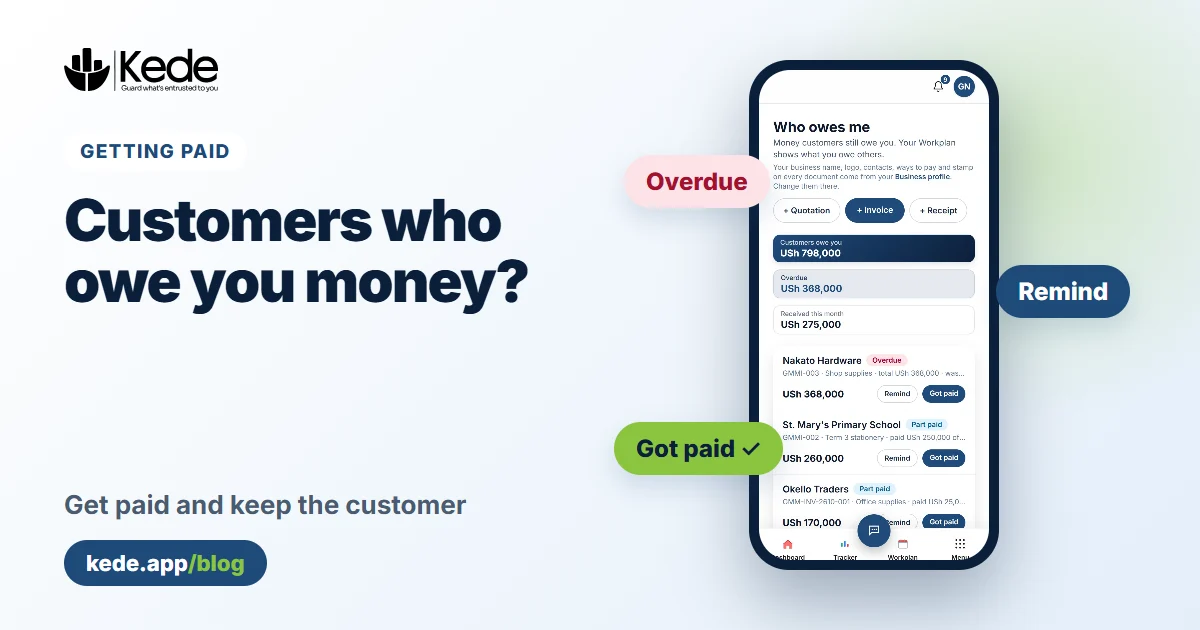
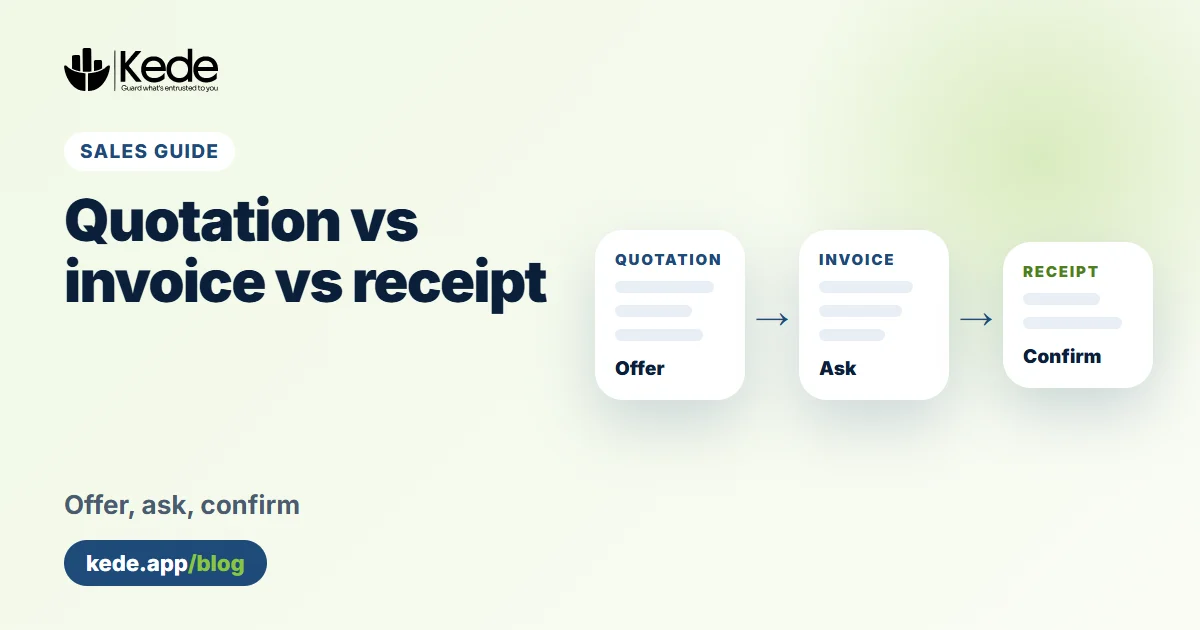
With Documents, you make a quotation, turn it into an invoice when the customer agrees, and give a receipt for every payment, even part payments. Your logo and the ways customers pay you appear on every page. Kede also shows who still owes you and what is overdue.
Savings goals with a real plan
With Savings goals, you set a target and a date. Kede then works out a weekly amount from your real income and spending.
An AI money coach that knows your numbers
Ask the money coach questions in plain words, such as "Where did my money go this month?" It answers from your own records, not from guesses.
Reports and verified statements
Finally, you get monthly reports, an annual summary and statements with a QR code that a bank, an embassy or anyone who asks can check.
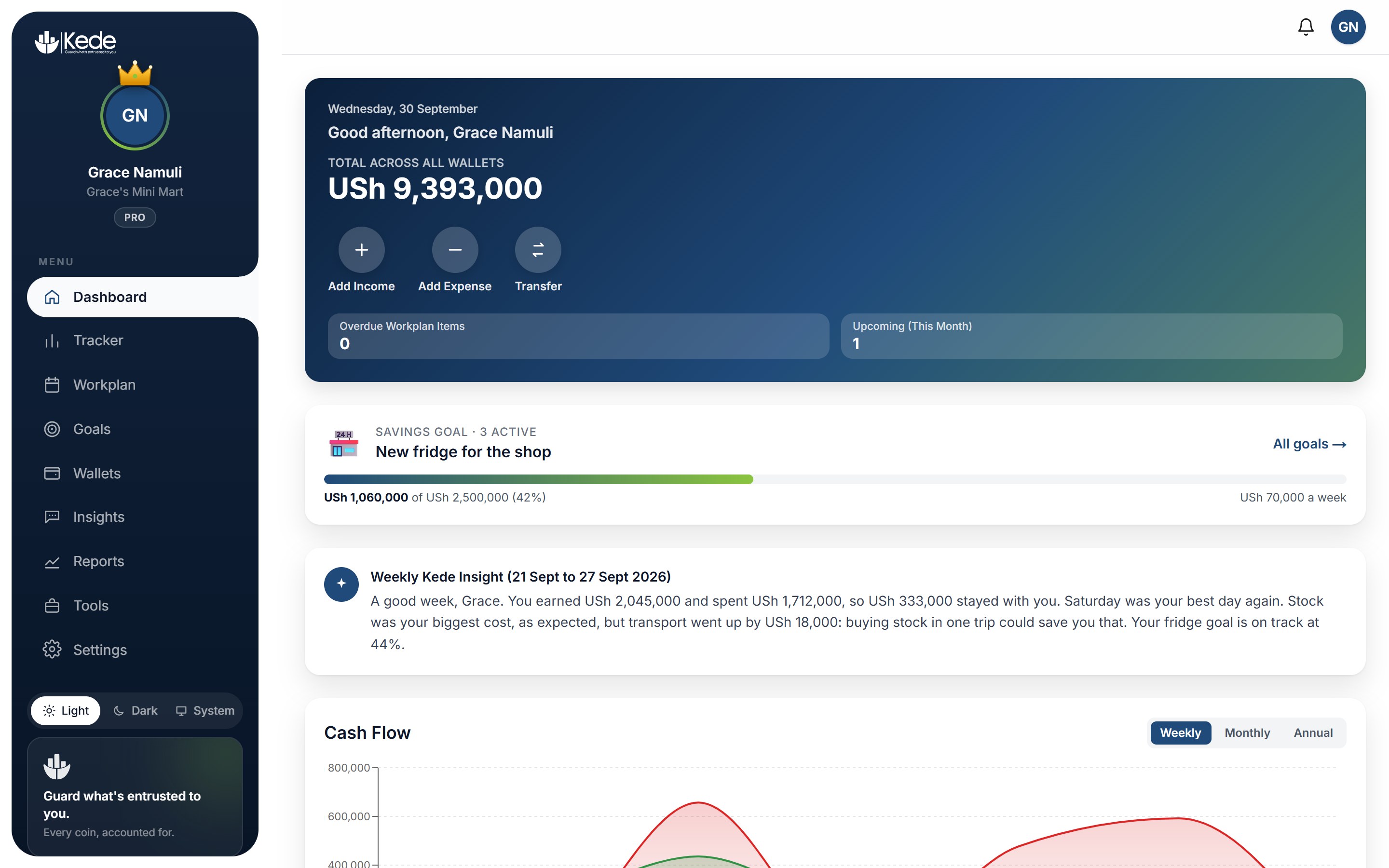 The Kede dashboard (demo account)
Who is the Kede app for?
Kede is for anyone who earns and spends money and wants to see it clearly. In practice, Kede helps you:
- Make your pay last the whole month.
- See your real profit, not just what is in the till.
- Handle income that arrives in uneven amounts.
- Plan for the months when money is tight.
- Build good money habits from your very first entry.
Each Kede account belongs to one person, so your records stay yours.
Where the name Kede comes from
The name comes from the Greek word kēdemonía, which means guardianship. It is the faithful care of something entrusted to you. Your money is exactly that, whether you earn it daily, weekly or once a season. For that reason, the Kede app exists to help you guard it well.
What the Kede money app is not
Kede is a record-keeping app. It does not hold your money, move your money, lend you money or collect payments from your customers. It never connects to your bank or mobile wallet account, and it never asks for your PIN.
Similarly, Kede does not sell your data or show ads. Read more about how Kede keeps your records private.
How much does the Kede app cost?
You can use Kede free for as long as you like. The free plan covers daily tracking, your Workplan, a savings goal and documents with your own logo, so you can see how Kede fits you before you pay anything.
On the other hand, Kede Pro adds the full history, more room for payments and goals, your own document designs, colours, stamp and signature, repeating plans, the full AI money coach and official statements. You see the price in your own currency on the pricing page.
Works on your phone, your laptop and offline
The Kede tracker runs in any browser, so there is nothing to install. However, you can also download the Android app or add Kede to your iPhone or computer home screen.
Kede also works without internet. In other words, entries you add offline wait on your phone and send themselves when you reconnect. It works in any currency, and in the Android app you can lock it with a PIN or your fingerprint.
How to start with Kede
- Open the sign-up page and create a free account with your email.
- Pick the kind of work you do, and Kede suggests starter categories.
- Add today's income and expenses. That is all it takes.
After that, our step-by-step guide on using Kede in your first week shows you the rest. Kede is built by Kartel Tech, a software development company.
Start free with Kede and see where your money goes this week.