
Kede app download: get Kede on Android, iPhone and your computer
Step-by-step: download the Kede app on Android, add it to your iPhone or iPad Home Screen, or install it on a Windows or Mac computer.
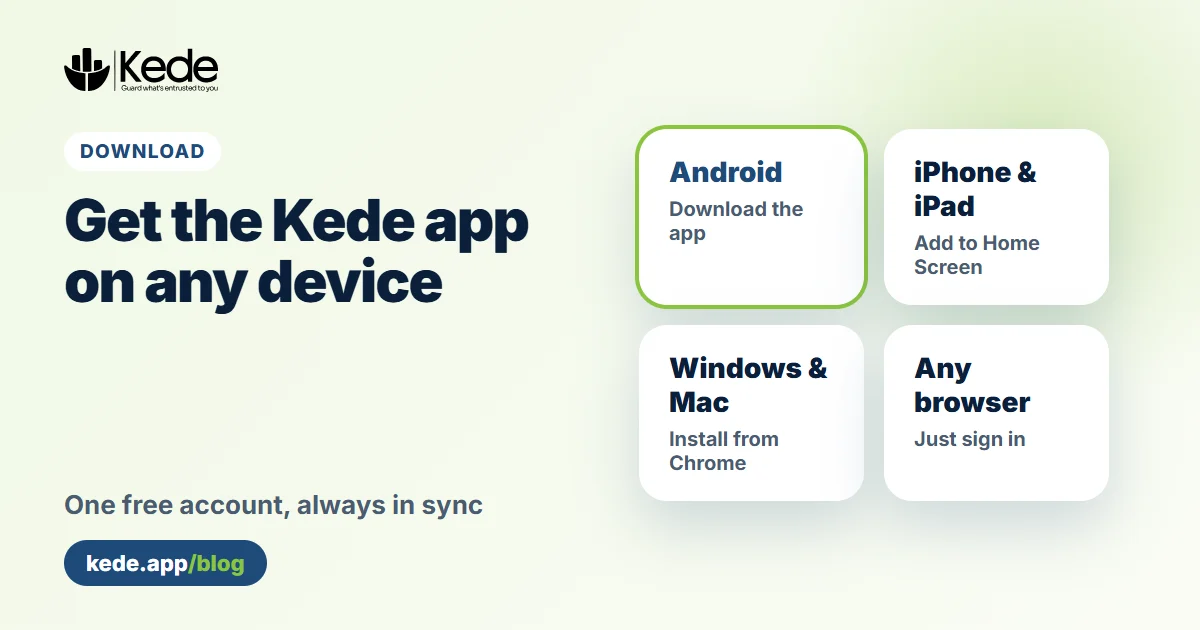
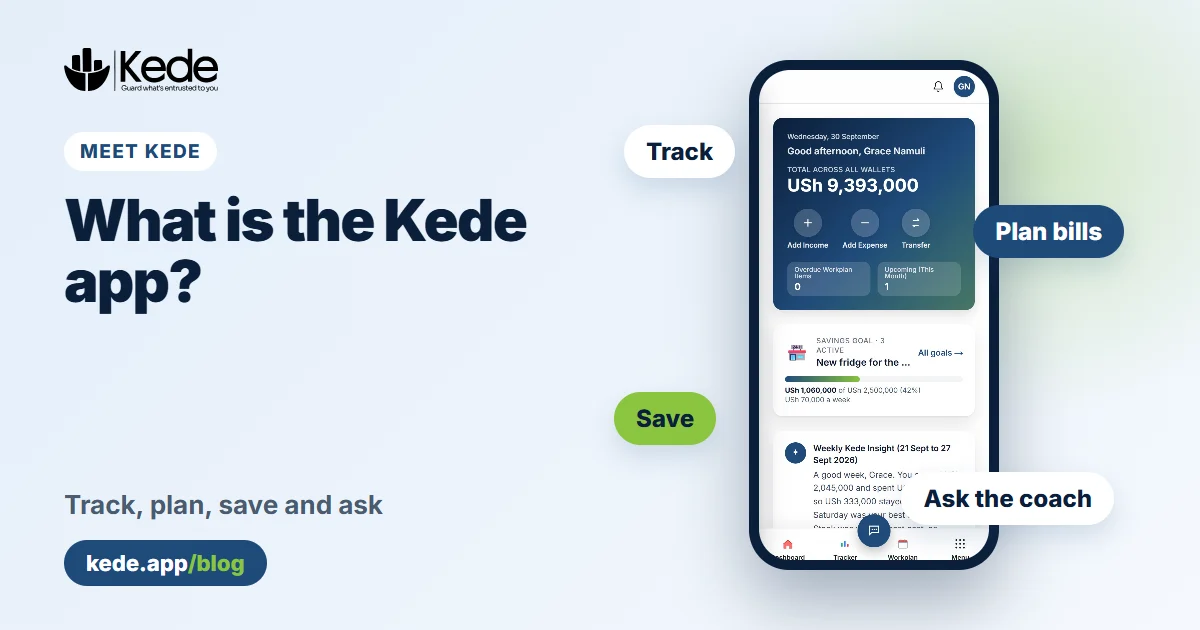
Looking for the Kede app download? Kede works on Android phones, iPhones, iPads, Windows and Mac computers, and in any browser. This guide shows the quickest way to get it on each device. One free account works everywhere, and your records stay in sync.
Kede app download for Android
The Android app is the fullest version of Kede. It adds notifications on your phone, a PIN or fingerprint lock and "Add from SMS" for mobile money messages.
- On your phone, open the Android download page and tap Download Kede for Android.
- Open the file when the download finishes.
- If your phone says apps from this source are not allowed, tap Settings, turn on Allow from this source, then go back.
- Tap Install, then Open, and sign in or create your free account.
The app needs Android 7 or newer. Kede is coming to Google Play. Until then, the official app comes only from kede.app and is signed by Kartel Tech. Never install a Kede file that someone sends you on WhatsApp or another website.
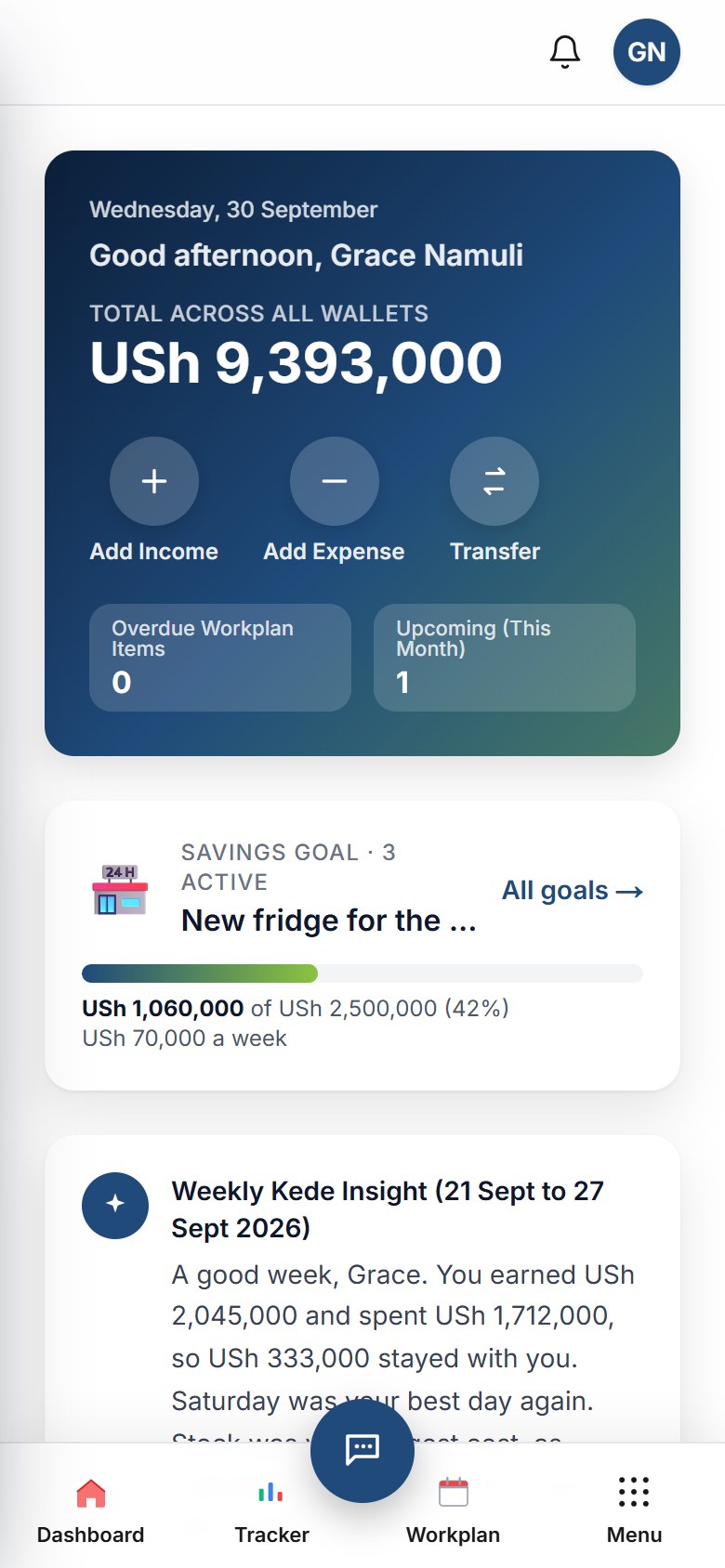 Kede on an Android phone (demo account)
Install the Kede app on iPhone and iPad
There is no App Store version yet, but you can still put Kede on your Home Screen. It then opens full screen, like any other app.
- Open kede.app in Safari.
- Tap the Share button, the square with an arrow.
- Choose Add to Home Screen, then tap Add.
- Open Kede from your Home Screen and sign in.
Notifications on iPhone need iOS 16.4 or newer, and Kede must be opened from the Home Screen icon.
Kede app download for Windows and Mac
On a computer, you can install Kede as a desktop app with its own window and icon.
- Open kede.app in Chrome or Microsoft Edge and sign in.
- Click the Install icon at the right end of the address bar. Alternatively, open the browser menu and choose Install Kede.
- From now on, Kede opens from your Start menu, taskbar, Dock or Launchpad.
Google explains this step with pictures in its guide to using web apps in Chrome. On a Mac with Safari, choose File, then Add to Dock.
Or simply use your browser
You do not have to install anything at all. Just open kede.app on any phone, tablet or computer and sign in. For example, you can track on your phone during the day and read reports on a laptop at night. Because it is one account, everything matches.
Which version should you download?
- Android phone: download the app. You get notifications, the fingerprint lock and SMS capture.
- iPhone or iPad: add Kede to your Home Screen from Safari.
- Laptop or desktop: install it from Chrome or Edge, or simply use the browser.
All the steps are also on our Get the app page.
Common problems and quick fixes
- "App not installed": if you installed an early test version of Kede, uninstall it first, then install again.
- Nothing happens after the download: open your phone's Files or Downloads app and tap the Kede file.
- You forgot your password: use Forgot password on the sign-in screen.
Still stuck? Email hello@kede.app or visit our contact page.
Your next step
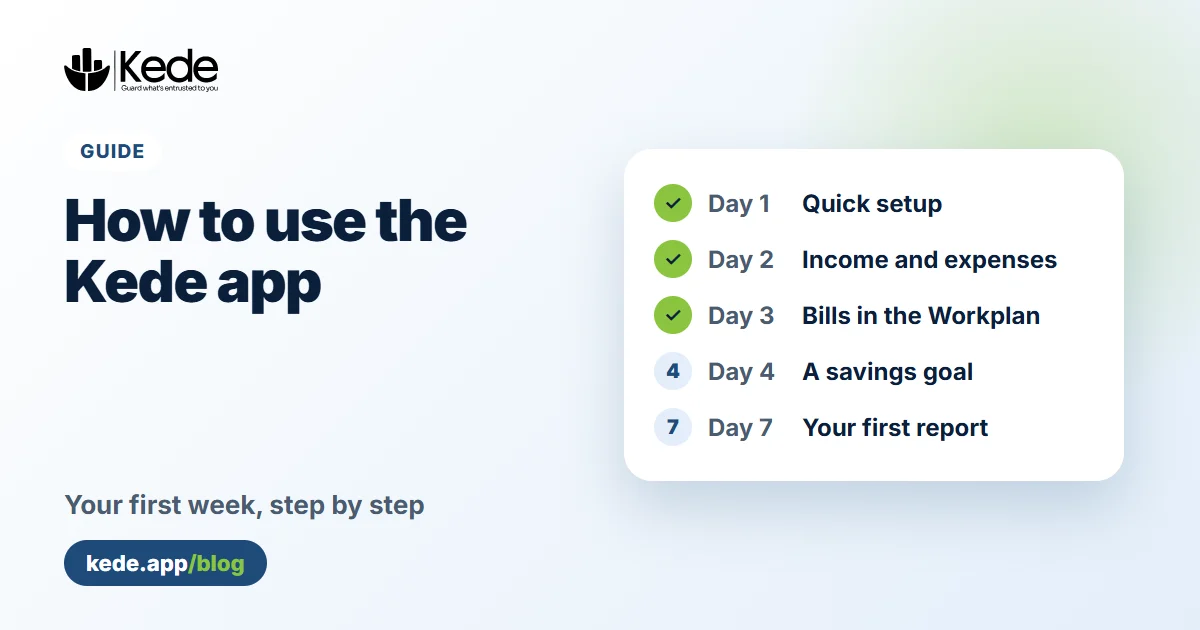
Once Kede is on your device, create your free account and pick the kind of work you do. Then add today's income and expenses. Our guide on using Kede in your first week walks you through the rest. New to Kede? Start with what the app does and who it is for.