
Is the Kede app safe? Your money, your data and your privacy
What Kede does with your money, your records and your phone, what it will never ask you for, and how to spot a fake.
Before you write down your income and spending anywhere, it is fair to ask: is the Kede app safe? It is a good question, because some money apps ask for far too much. This post explains, in plain words, what Kede does with your money, your records and your phone. It also covers what Kede will never ask you for, and how to lock it with a PIN.
What the Kede app does, and does not do, with your money
Kede is a record-keeping app. You write down what comes in and what goes out, and Kede helps you plan and understand it. That is all.
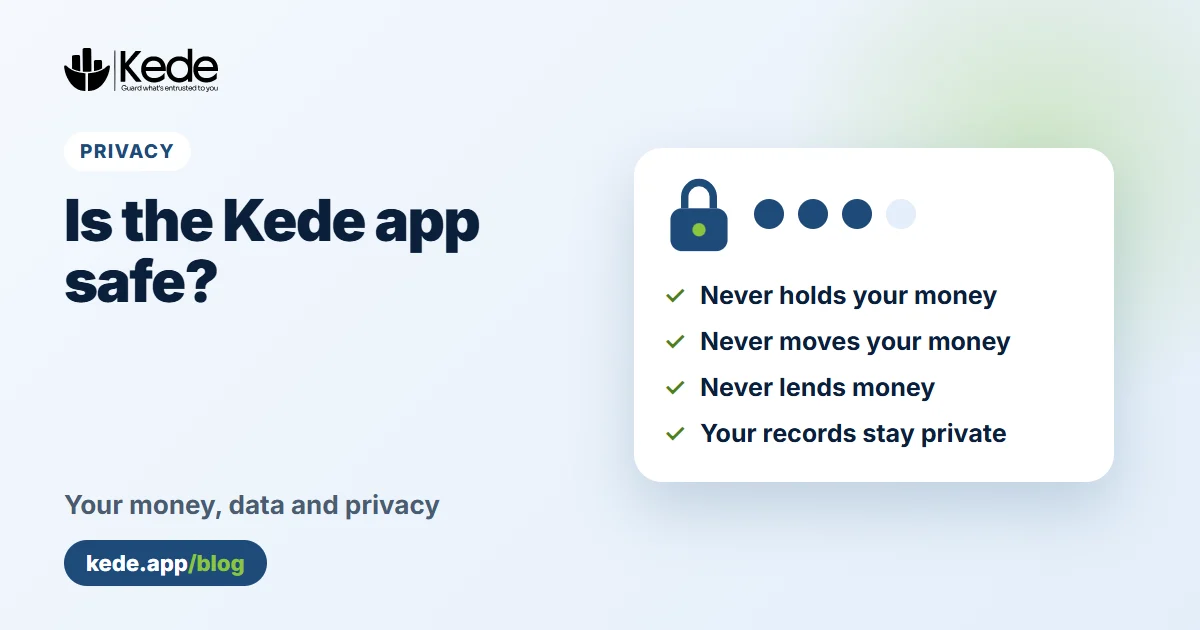
- Kede does not hold your money. There is no Kede wallet that stores cash.
- Kede does not move money. It cannot send, withdraw or pay anything for you.
- Kede does not lend money. It never offers loans and never collects repayments.
- Kede never connects to your bank or mobile money account.
In other words, the numbers in Kede are notes that you control. Deleting an entry changes your records in Kede, not the money in your account.
Is the Kede app safe for your personal data?
Kede privacy starts with one rule: your records belong to you, and only your account can read them. Database rules make sure each account can only see and change its own entries. In addition, all traffic between your device and Kede is encrypted with HTTPS.
Behind the scenes, Kede stores its data with a secure server in the European Union in Paris, France. Kede does not sell your data and does not show ads. You can read every detail in our Privacy Policy.
Does Kede read your SMS messages or contacts?
No. Kede does not ask for your contacts and does not read your SMS inbox.
On Android, there is an optional Add from SMS button for mobile money messages. When you tap it, Android shows its own permission prompt and lets you share one payment message. Kede uses that single message to prepare a draft entry. As a result, nothing else on your phone is read.
How Kede app security protects your phone
Kede app security also starts on your own device. In the Android app and the installed app, you can lock Kede with a 4-digit PIN. However, Kede does not store the PIN itself. It keeps only a scrambled version on your device. Too-easy PINs such as 1234 are refused.
On Android, you can also unlock with your fingerprint. Furthermore, after five wrong PINs Kede signs you out, so a stranger cannot keep guessing. Turn this on under Settings, then Security. Learn more about offline use and security.
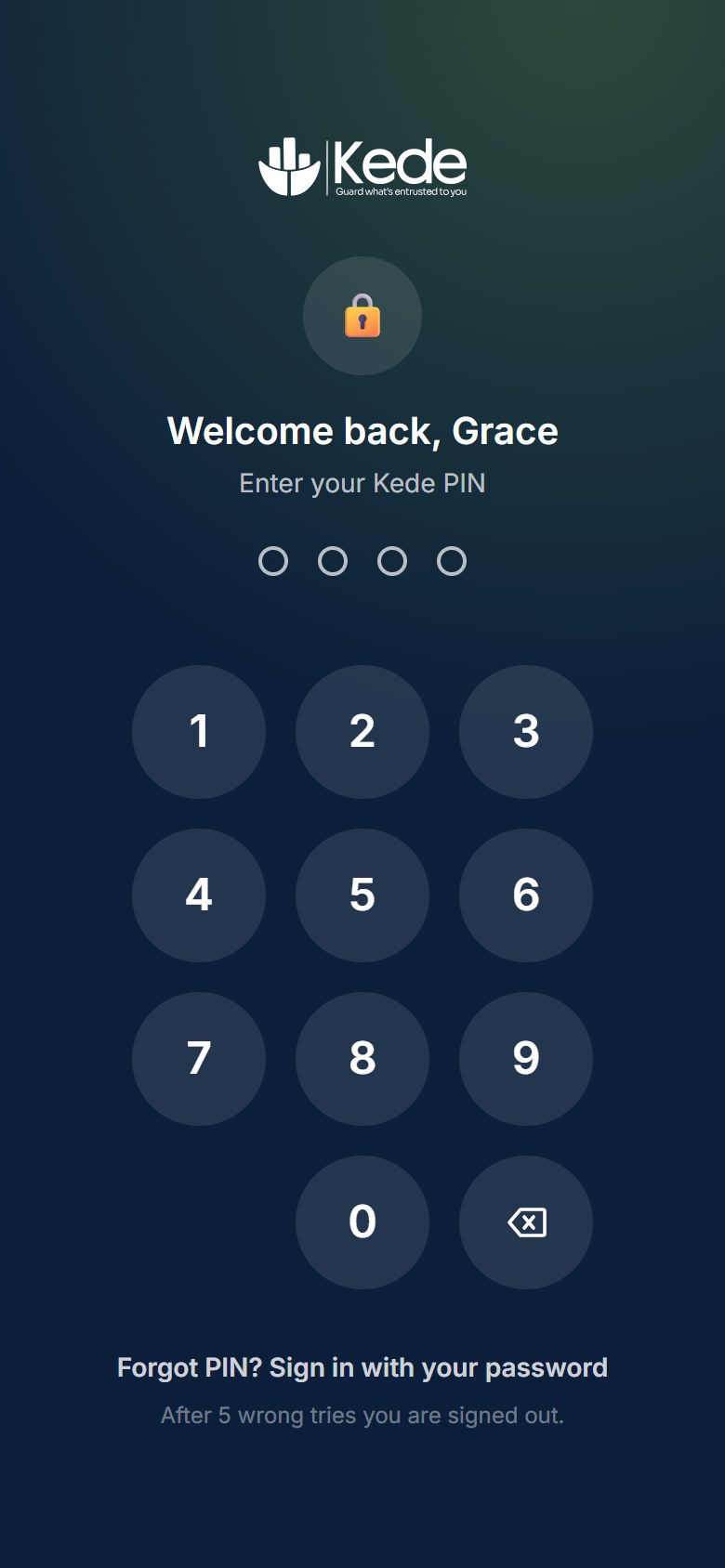 The Kede PIN lock (demo account)
What about the AI money coach?
AI features such as Quick Add and the money coach send only the text or figures they need to Google's Gemini AI service. They never send your password, email address or payment details. Google may keep and review this content under its own terms. For that reason, do not type ID numbers or account numbers into the AI features.
Most importantly, the AI never changes your records on its own. It prepares a draft, and nothing is saved until you check it and confirm.
Is it safe to pay for Kede Pro?
Payments for Kede Pro go through Flutterwave, a payment company. Because of that, Kede never sees or stores your full card number or your mobile money PIN. Pro is a pass for 30 days or a year, with no automatic charges. You choose when to renew.
Is Kede legit? How to spot a fake
Yes, Kede is a real app built by Kartel Tech. However, it is still young, so it helps to know what the real app looks like:
- The real website is kede.app. Download the Android app only from kede.app/android.
- Kede staff will never ask for your password, your PIN or a payment to "unlock" a loan.
- Also, our emails come from an address ending in @kede.app.
If something feels wrong, stop and email support@kede.app before you do anything else.
Your rights over your data
You can delete your account and all its records yourself at any time in Settings. The deletion happens immediately. Here is how to delete your Kede account.
You can also ask us to show, correct or export your data. In Uganda, this right comes from the Data Protection and Privacy Act, 2019, overseen by the Personal Data Protection Office. Email hello@kede.app and we will reply within 30 days.
So, is the Kede app safe to use?
In short, yes: the Kede app is safe for keeping your money records. It only keeps the records you choose to add, and it never touches your actual money. Your records are private to your account. You can lock the app, and you can delete everything whenever you want. No system is perfectly secure, so use a strong password and keep your phone locked.
New to Kede? Read what the Kede app does, then start free.