
How to make an invoice that gets you paid on time
What an invoice is, what to put on it, how to send it so customers actually read it, and how to track every payment until the balance is zero.
If you sell on credit, sooner or later a customer will ask for an invoice. Knowing how to make an invoice properly saves you time, makes your business look serious and helps you get paid on time. This guide explains what an invoice is, what to put on it, how to send it and how to track every payment until the balance is zero.
What is an invoice?
An invoice is a written request for payment. You send it after you deliver goods or finish a job, and it tells the customer exactly what they owe, by when and how to pay.
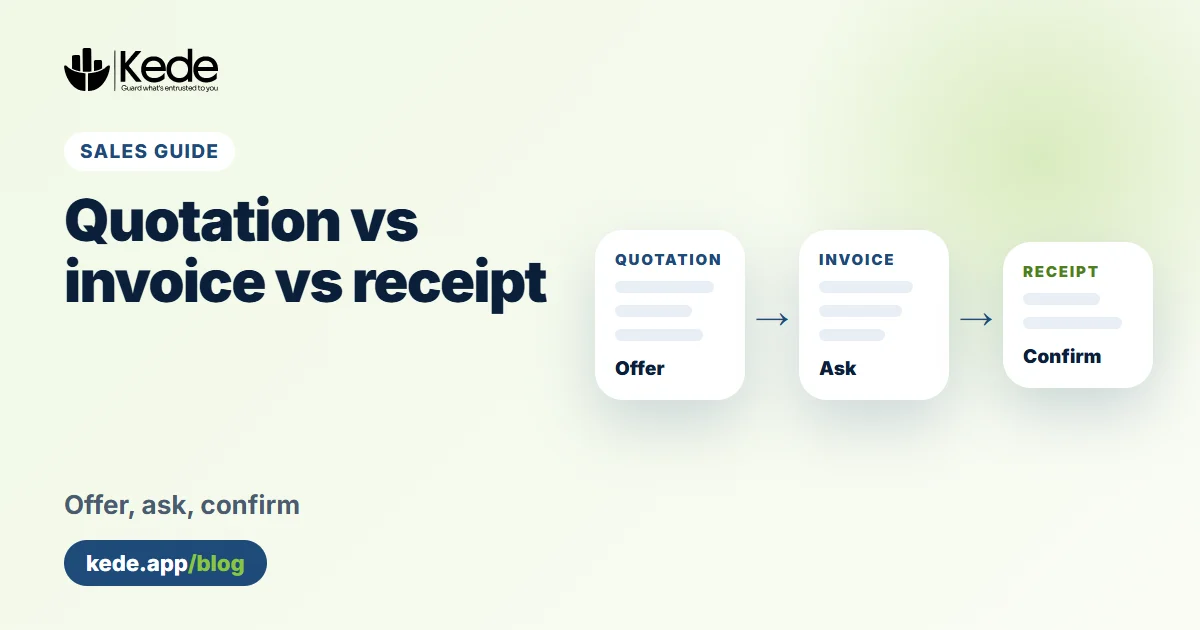
An invoice is different from a quotation and from a receipt. A quotation comes before the sale and offers a price. A receipt comes after a payment and confirms the money arrived. If these three still feel mixed up, read our guide on the difference between a quotation, an invoice and a receipt.
What to put on an invoice
A good invoice answers every question before the customer asks it. Here is what to include:
- Your business details: your business name, logo, phone number, email and address.
- The word "Invoice" and a number: each invoice needs its own number, such as INV-001, so you can both refer to it later.
- Dates: the invoice date and the due date, the day by which you expect payment.
Then add the details of the sale itself:
- Customer details: their name or company, phone number and address.
- Items: a short description, the quantity, the unit price and the amount for each line.
- Totals: the subtotal, any discount, VAT if you are registered for it, and the total amount due.
- How to pay: your mobile money number, bank account or other ways the customer can pay you.
- Your terms: for example "Payment within 14 days" or "Goods once sold are not returnable."
Also, write the total in words, such as "Five hundred and ten thousand shillings only". It makes the amount harder to change and easier to read.
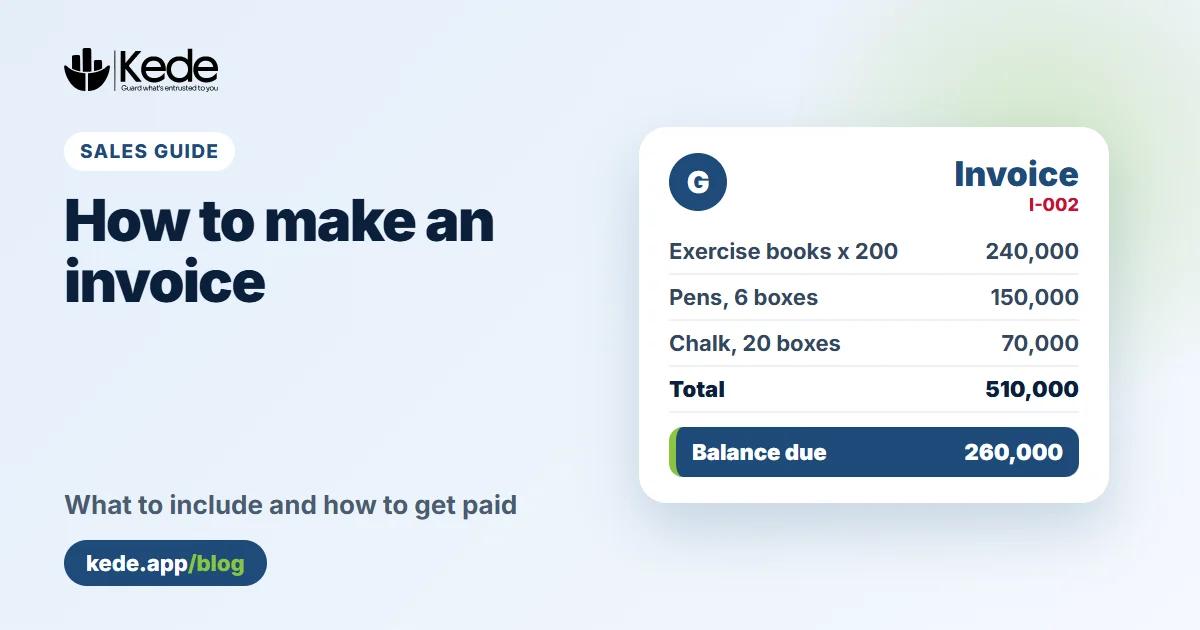
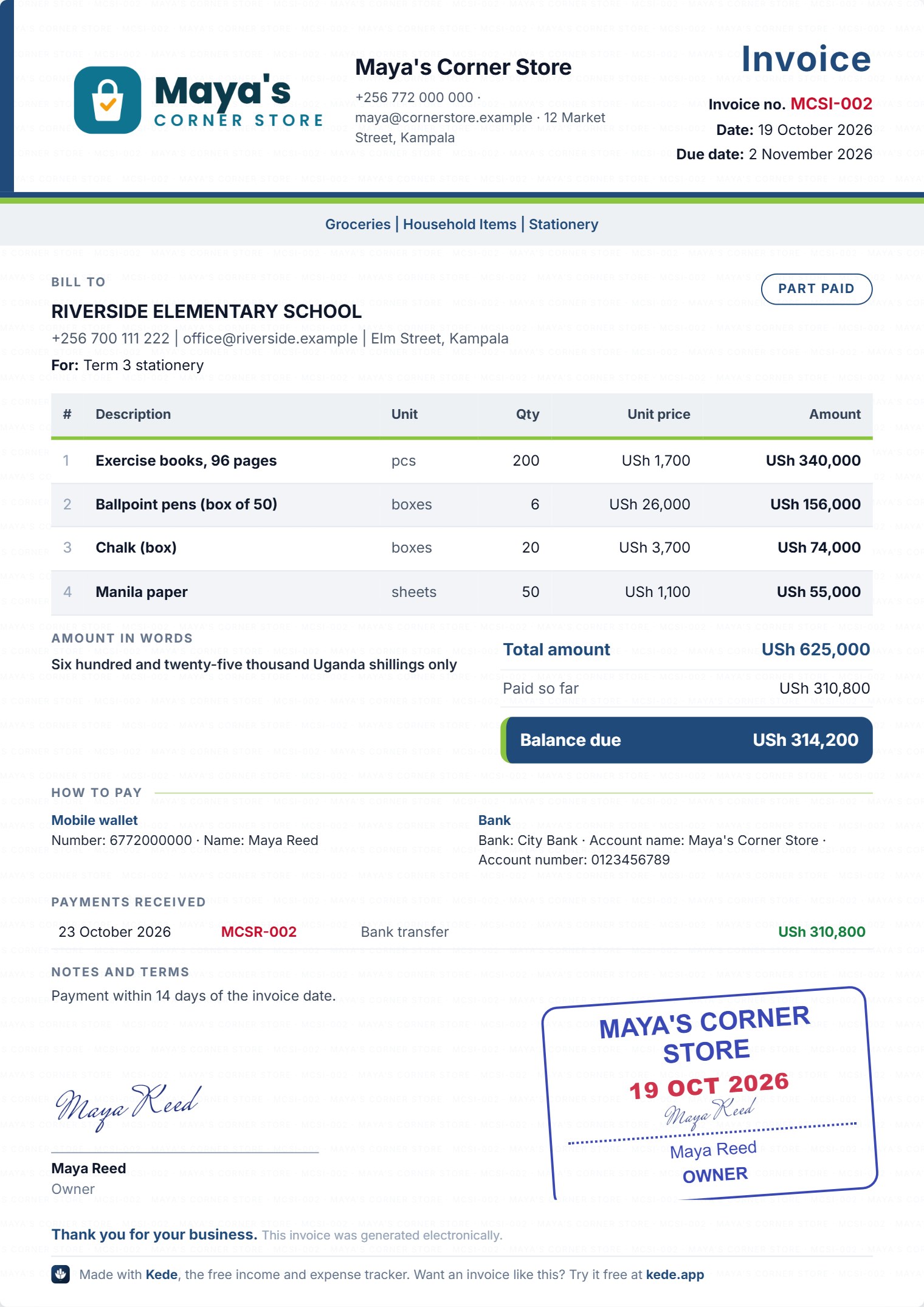 An invoice made with Kede (demo account)
How to make an invoice in Kede, step by step
You can write an invoice by hand or in a spreadsheet. However, a tool that remembers your details and does the maths for you is faster. Here is how to make an invoice with Kede, a free income and expense tracker that also does quotations, invoices and receipts.
- Set up your business once. In Sales, open your Business profile and add your name, logo, contacts and ways to pay.
- Start a new invoice. Tap + Invoice and pick a saved customer, or type a new one.
- Choose the due date. Pick a period, such as 2 weeks, or an exact date.
Kede shows the due date it worked out, so you can check it. Next, fill in the rest:
- Add your items. Type each item with its quantity and price, or pick one of your saved products.
- Tick the ways to pay. Choose the payment methods that suit this customer.
- Create and share. Tap Create invoice, then send it on WhatsApp, as a PDF or on paper.
Already sent a quotation? In that case, open it and tap Turn into an invoice. Kede copies everything across, so you never type it twice.
How to send an invoice so your customer reads it
The best invoice is the one your customer opens. Most people today reply faster on WhatsApp than to email. For that reason, Kede sends a short message with a link. Your customer can view and download the invoice in any browser, with no app and no account.
If the customer prefers paper, print it on A4. Do you use a small receipt printer in your shop? Kede also prints on 80 mm and 58 mm paper.
Make an invoice for a part payment, then a receipt
Part payments are normal, especially for bigger orders. The important thing is to record each one, so neither of you forgets what is left.
In Kede, open the invoice and tap Record a payment. Type the amount and how they paid, and add the date they promised to pay the rest. Kede then makes a receipt for that payment and shows the new balance on the invoice. As a result, the invoice, every receipt and the balance stay linked in one trail.
Mistakes to avoid when you make an invoice
Even a small mistake can delay your money. Watch out for these:
- No due date. Without one, "later" can mean next month. Always write a date.
- Vague items. "Goods" is not enough. Write "Exercise books, 96 pages, 200 pieces".
- Missing payment details. If the customer has to call you for your number, they will pay later.
- Reused numbers. Two invoices with the same number cause confusion. Let a tool number them for you.
- No follow-up. Many unpaid invoices are simply forgotten. A polite reminder on the due date works.
Kede invoices are business records for you and your customer. They are not fiscal receipts. If your business must issue electronic fiscal receipts, the Uganda Revenue Authority explains the EFRIS rules.
Keep track of who still owes you
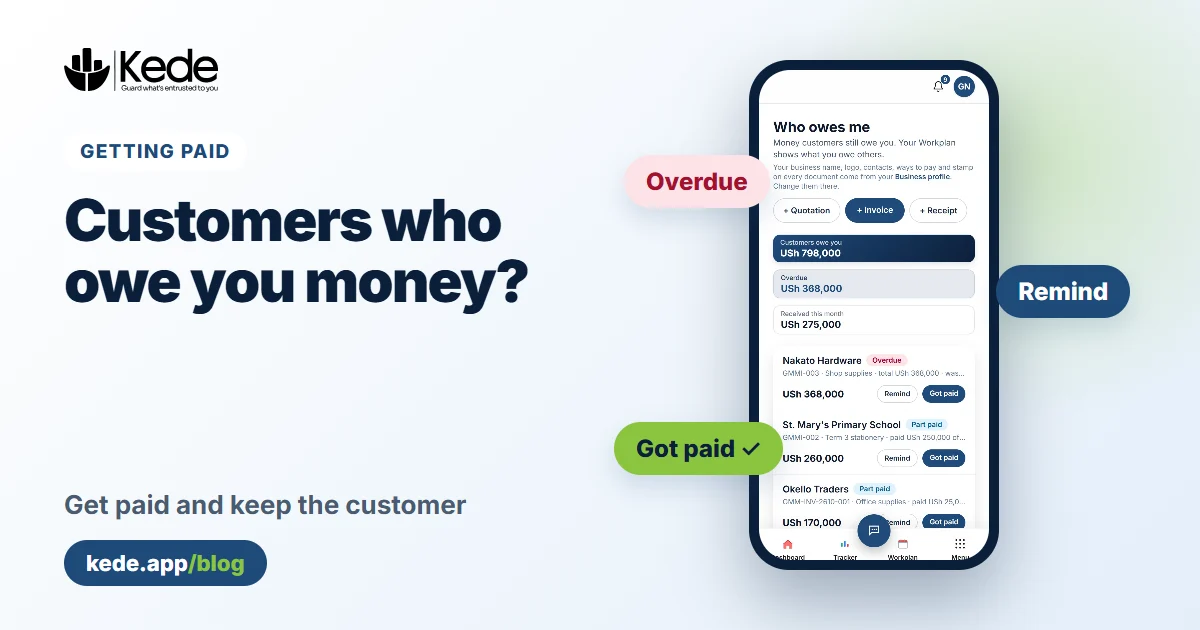
Making an invoice is half the job. The other half is getting paid. Kede's Money to receive page lists every customer with a balance, shows what is overdue and lets you send a reminder in one tap. Our guide on getting customers to pay what they owe has more ideas.
Make your first invoice today
Now you know how to make an invoice that is clear, complete and easy to pay. The free plan gives you 3 quotations, 3 invoices and 3 receipts every month, with your own logo. Kede Pro makes them unlimited and adds your stamp, five designs and your colours. See the pricing page for details.
Start free with Kede and send your first invoice in a few minutes.